What You'll Learn
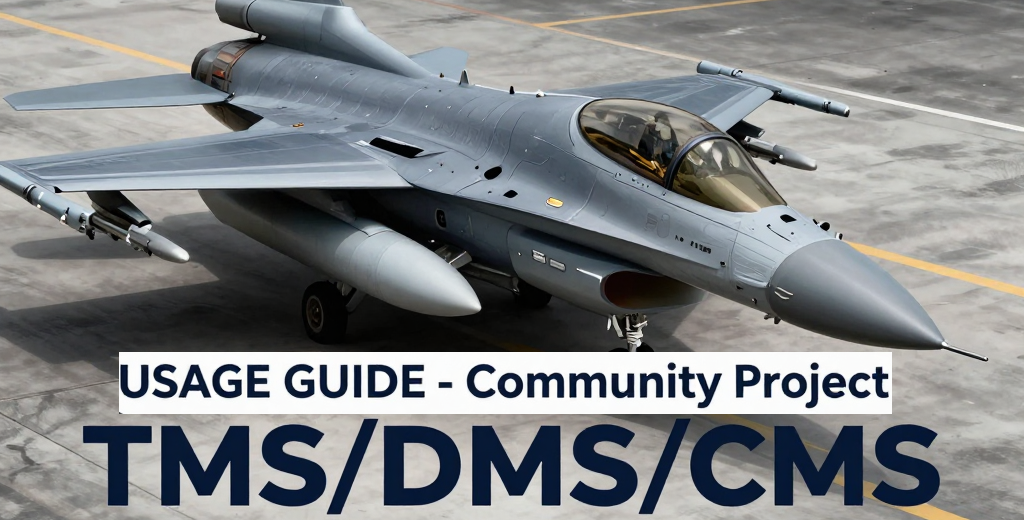
This comprehensive guide covers the essential HOTAS switches that define modern F-16 combat operations. While developed using Falcon BMS 4.38.1 as reference, the core concepts and switch functions apply to any high-fidelity F-16 simulation, including DCS World (F-16C Viper) and Microsoft Flight Simulator (SC Designs F-16 series).
- Target Management Switch (TMS): Master target designation, sensor cursor control, target stepping, and Sensor of Interest (SOI) cycling across all master modes
- Display Management Switch (DMS): Navigate MFD pages, control symbology, and manage cockpit displays efficiently
- Countermeasures Management Switch (CMS): Deploy chaff and flare programs, manage CMDS modes, and integrate ECM pod operations
- Sensor of Interest (SOI) Management: Understand priority systems and how switches interact with HUD, FCR, SMS, HSD, and TGP
- Master Mode Context: Learn how switch behavior changes between NAV, Air-to-Air, Air-to-Ground, Dogfight, and Missile Override modes
- Training Mission Integration: Cross-referenced with official BMS training missions for hands-on practice
About This Project
This is a community-driven project created by a single flight simulation enthusiast for fellow virtual pilots. While the guide draws from official technical documentation from Falcon BMS (TO 1F-16CM-34-1-1 BMS, Dash-1, BMS Training Manual), it is an independent work in progress aimed at making HOTAS operations more accessible to the simulation community.
Current Status: Continuously updated with new content. Check the PDF for the latest version and chapter coverage.
Whether you're learning basic switch operations or mastering advanced sensor management, this guide provides the reference material you need to keep your hands on the controls and your focus on the mission.
Who Is This Guide For?
This guide is designed for virtual fighter pilots and flight simulation enthusiasts who want to master realistic F-16 HOTAS operations. Whether you're flying Falcon BMS, DCS World, or Microsoft Flight Simulator, this reference will help you develop the muscle memory and situational awareness needed for authentic combat operations.
- New BMS pilots learning the basics of HOTAS switch operations and sensor management
- Experienced virtual aviators transitioning from other F-16 simulators who need a comprehensive HOTAS reference
- Training squadron members looking for structured guidance on switch functions across different master modes
- Mission planners and debriefers who need quick-reference tables for switch functions and SOI management
- Casual flight simmers who want to progress beyond basic controls and fly with realistic procedures
- Study-level simulation enthusiasts who appreciate detailed technical documentation presented in an accessible format
No matter your experience level, if you want to keep your hands on the throttle and stick while managing sensors, weapons, and displays like a real Viper pilot, this guide is for you.
Related Resources
Official Falcon BMS Resources
- Falcon BMS Official Website – Download the simulator and access the latest updates
- Falcon BMS Forum – Community discussions, support, mods, and mission sharing
Official BMS Documentation
- BMS Training Manual – Step-by-step training missions covering ground ops, navigation, and landing
- TO 1F-16CM-34-1-1 BMS – Official HOTAS reference (weapon systems and switch operations)
All official manuals are included in the Docs\ folder of your Falcon BMS installation
License & Attribution
This work is licensed under Creative Commons Attribution-NonCommercial 4.0 International (CC BY-NC 4.0). You are free to share and adapt this material for non-commercial purposes with proper attribution to Carlos "Metal" Nader.
Not affiliated with Benchmark Sims or Microprose. Community project for educational purposes.
🤝 Help Improve This Guide
This is an open-source project and we welcome contributions from the community. If you're interested in helping develop this documentation (fixing errors, adding content, improving structure), check out our contributor guide to get started.